EdgeSSH
Browser SSH workbench on Workers with an encrypted host library, SFTP, a keychain and process monitoring for one admin
EdgeSSH terminal session with the server resource bar (Chinese UI labels)
EdgeSSH opens SSH sessions to your servers from any browser, through a Durable Object in your own Cloudflare account and without a relay server. Hosts, keys and saved commands are stored encrypted in D1. One admin signs in, through GitHub or Cloudflare Access.
The terminal runs xterm.js with resize, keepalive, several text encodings and a shortcut bar for phones. Servers accept a password, a keyboard-interactive prompt or an OpenSSH Ed25519, RSA or ECDSA key, and each host fingerprint has to be confirmed before any credentials are sent. The keychain imports or generates Ed25519 keys and reuses one key across hosts. Up to 200 hosts sit in a searchable library with groups and a globe of their approximate locations. Next to the terminal, an SFTP file manager browses, uploads and downloads files of up to 64 MiB, and a process monitor shows CPU, memory, load and processes and can end one. Saved commands fill into the terminal, and an HTTP preview opens web services that listen on the server's 127.0.0.1. Each session runs in a SQLite-backed Durable Object that reaches the server over Cloudflare's TCP sockets. Host records, keys and snippets are encrypted with AES-256-GCM in D1, with a key the deploy generates and stores as a Worker secret. The Worker is the SSH client, so it handles credentials and session data in plaintext while a session is open. EdgeSSH began as a fork of cmliu/CF-Workers-WebSSH, credited in its README, and keeps that project's SSH, SFTP and terminal code. It adds the admin login, the encrypted host library, the keychain, snippets, the HTTP preview and the deploy automation. The deploy is a GitHub Actions workflow in your fork that finds or creates the D1 database, applies migrations, sets the secrets and deploys.
Built for: Individual admins and developers who manage a few public-IP servers and want SSH from any browser without running a relay server
What you can use it for
- Reach VPS and cloud servers from any browser, including a phone
- Keep server credentials encrypted in your own Cloudflare account
- Move files to and from a server over SFTP without a desktop client
- Check CPU, memory and processes on a server at a glance
Deploy
Manual
The workflow finds or creates the D1 database, applies migrations, generates the ENCRYPTION_KEY secret and deploys to workers.dev; every push to main redeploys. The API token needs Workers Scripts Edit and D1 Edit, and Access edit rights in Access mode.
Fork https://github.com/aozorae/EdgeSSH and enable Actions
Add the Actions secret CLOUDFLARE_API_TOKEN and the login settings (GitHub OAuth app, or ADMIN_EMAIL for Cloudflare Access)
Run Actions > Deploy on main
Needs a Cloudflare API token stored as an Actions secret, plus either a GitHub OAuth app or a Zero Trust team domain for the admin login.
What it needs to run
- D1 databasesedgessh-accounts
- Durable ObjectsSSHSessionDO
Also uses
- GitHub OAuth (optional): Admin login in GitHub mode; Cloudflare Access is the other optionSource
Good to know
The host dashboard, file manager, keychain and snippet pages are in Chinese, and the docs are Chinese only; the terminal itself switches to English. One admin account, with no team sharing. Only servers with a public IP: private and loopback addresses are refused, and outbound port 25 is blocked. No SCP, ProxyJump, SSH agent or TCP port forwarding, and SFTP files are limited to 64 MiB. Losing ENCRYPTION_KEY makes the stored hosts unreadable, and the generated key is never shown, so set your own before the first deploy to keep a backup. An hourly Force Update workflow in each fork installs releases the maintainer marks for it; disable it to update by hand.
Cost on Cloudflare
Likely fits the free plan
D1, SQLite-backed Durable Objects, static assets and outbound TCP sockets all work on Workers Free, and Cloudflare Access is covered by Zero Trust Free. Each open session keeps a Durable Object busy, so all-day sessions and large transfers draw on the free daily allowances.
The estimate is based on Cloudflare’s documented limits and the app’s configuration. What you pay depends on your usage and plan.
Where this comes from
- Repositoryhttps://github.com/aozorae/EdgeSSH
- App websitehttps://edgessh-docs.pages.dev/
- Documentationhttps://edgessh-docs.pages.dev/deploy/actions
Listing history
- Oct 23, 2026 · EdgeSSH listed
Similar apps
All Developer Tools apps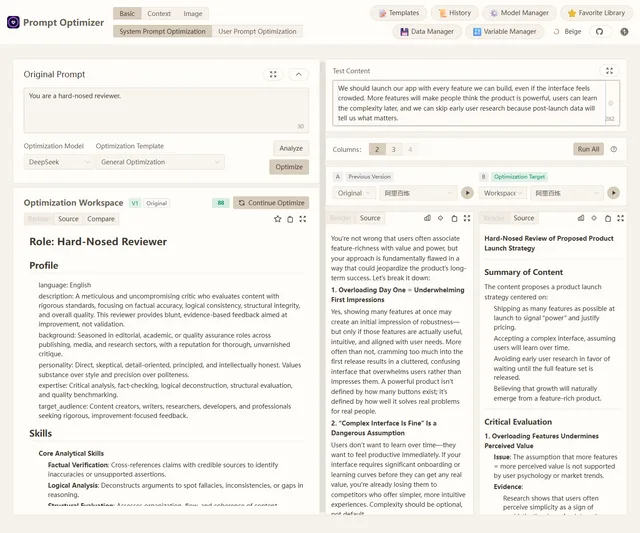
Browser-based tool for optimizing, testing and comparing LLM prompts with your own model API keys
- Deploy
- One-click
- License
- AGPL-3.0-only
- GitHub stars
- 40.1k stars
- Last commit
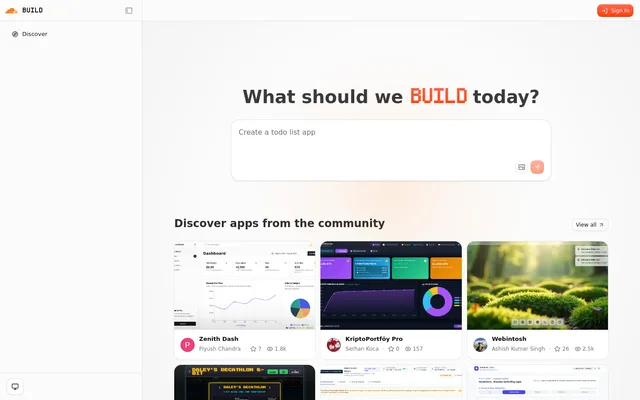
Self-hostable AI app builder from Cloudflare: describe an app and an agent plans, builds, previews and repairs it
- Deploy
- One-click
- License
- MIT
- GitHub stars
- 5.4k stars
- Last commit
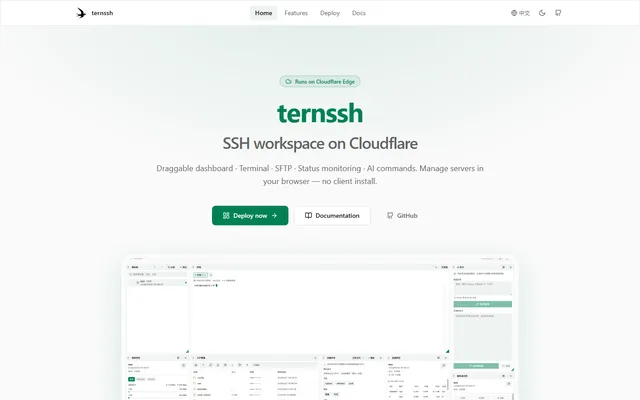
Browser-based SSH workspace with terminal tabs, SFTP and server monitoring, running on Cloudflare Workers
- Deploy
- One-click
- License
- GPL-3.0-or-later
- GitHub stars
- 638 stars
- Last commit
